11 best marketing automation tools 2026: ranked and reviewed
Eleven marketing automation platforms ranked on AI readiness, workflow flexibility, integrations, and pricing for mid-market teams scaling in 2026.
The best marketing automation tools for 2026 combine multichannel campaign execution, AI agents, and deep CRM data to run revenue workflows at scale.
With more than 80% of enterprises expected to have used generative AI APIs or models by 2026, up from less than 5% in 2023, mid-market teams need fit-for-purpose platforms.
This ranking guide covers eleven contenders across orchestration, email, ecommerce, and B2B, grounded in our workflow automation guide.
How we chose the best marketing automation tools
We ranked the 11 best marketing automation tools by weighing operational fit for mid-market teams scaling AI from pilots into daily use.
Unlike generic roundups, this ranking focuses specifically on platforms fit for mid-market teams scaling AI and agentic workflows in 2026.
Each platform was scored against the same criteria, then stress tested against 2026 realities: agentic workflows, deeper AI orchestration, and the need for governance as marketing ops absorbs more autonomous execution.
For deeper context on how automation and AI converge in modern stacks, see AI automation explained.
- Breadth of integrations: native connectors and API depth across CRM, email, ads, data warehouses, and AI providers.
- AI and agent readiness: support for LLM calls, retrieval, decisioning, and human-in-the-loop checkpoints.
- Workflow flexibility: branching, iteration, error handling, and reusable scenario patterns.
- Time to value: visual builders, templates, and onboarding for non-engineering marketers.
- Pricing transparency: predictable tiers that scale with contacts, sends, or credits.
- Governance: audit logs, role-based access, data residency, and approval flows.
1. Make
Make is a visual automation platform that lets mid-market marketing teams build multi-step scenarios across 3,000+ apps without writing code.
It fits teams scaling past first AI experiments into daily operational use, where lead routing, campaign orchestration, and AI-assisted content workflows need to run reliably and visibly across the stack.
Key features
- Visual Scenario Builder with drag-and-drop modules, routes, and live execution logs
- Free plan with 1,000 credits per month and access to 3,000+ app integrations across the catalogue
- Native AI modules like OpenAI - Create a Chat Completion and Anthropic Claude - Send a Message for content, scoring, and enrichment, plus Make AI agents for autonomous tasks
- HTTP - Make a Request to connect any API not yet packaged as a module
- Built-in error handlers, scheduling, and team-level access controls
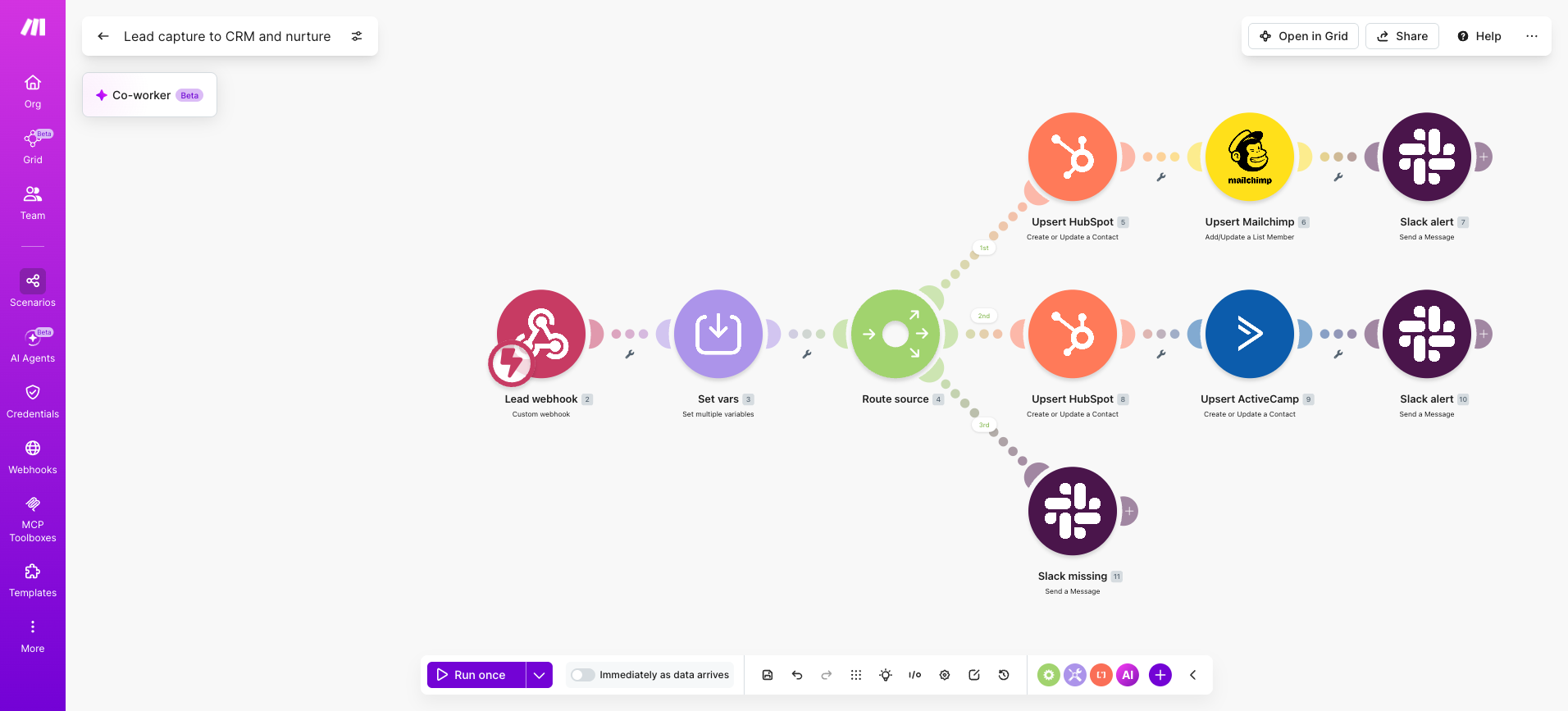
PRO TIP: Place a Router right after your trigger to branch one lead event into parallel marketing actions, sending paid leads to HubSpot CRM - Create a Contact*, organic to* Mailchimp - Add Subscriber*, and unattributed leads to* Slack - Create a Message*.*
Pros and cons
Pricing
Make offers a Free plan ($0, 1,000 credits/month), Core ($12/month, 10,000 credits), Pro ($21/month, priority execution), Teams ($38/month, shared development), and Enterprise (custom, advanced governance).
All paid plans include access to 3,000+ app integrations.
See Make vs Zapier for cost comparisons.
2. HubSpot Marketing Hub
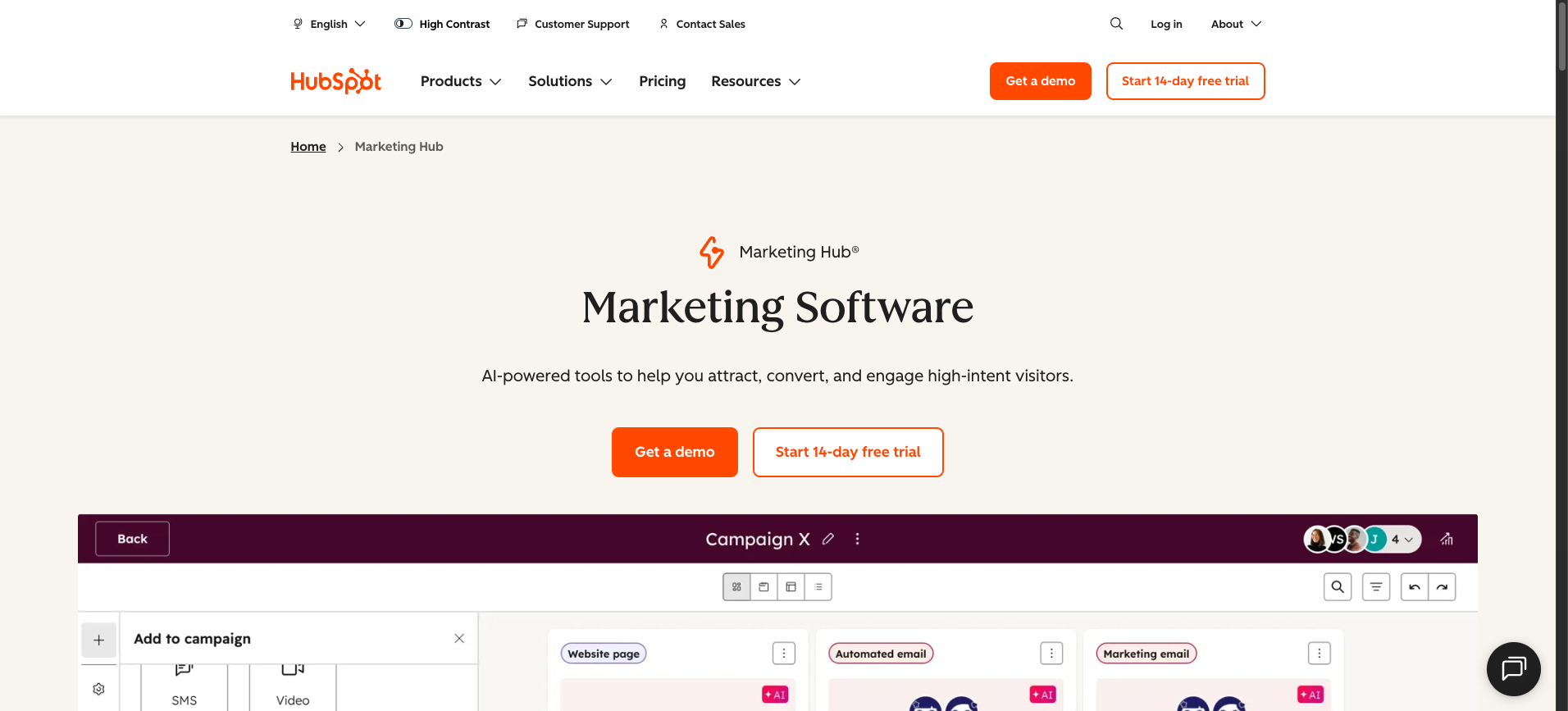
HubSpot Marketing Hub is an inbound marketing automation suite built natively on the HubSpot CRM, designed for mid-market teams that want email, forms, landing pages, workflows, and analytics under one roof.
Best for inbound, it suits marketing teams that prioritize CRM-native workflows over heavy multichannel orchestration.
HubSpot Marketing Hub overview infographic showing core inbound marketing automation capabilities and connected modules
Key features
- Visual workflow builder with branching logic, goal tracking, and re-enrollment triggers tied to CRM properties.
- Email marketing with personalization tokens, A/B testing, and smart content based on lifecycle stage.
- Landing pages, forms, and pop-up CTAs that write directly into the unified contact record.
- Campaign analytics, attribution reporting, and revenue dashboards across the funnel.
- Native ads management for LinkedIn, Google, and Meta with audience sync from CRM lists.
Pros and cons
Pricing
HubSpot offers Free tools ($0), Starter ($9/seat/month billed annually), Professional ($800/month billed annually, includes 2,000 marketing contacts and a required $3,000 onboarding fee), and Enterprise ($3,600/month, includes 5 seats and a $7,000 onboarding fee).
Costs rise as marketing contact counts increase above each tier's included limit.
3. Marketo Engage
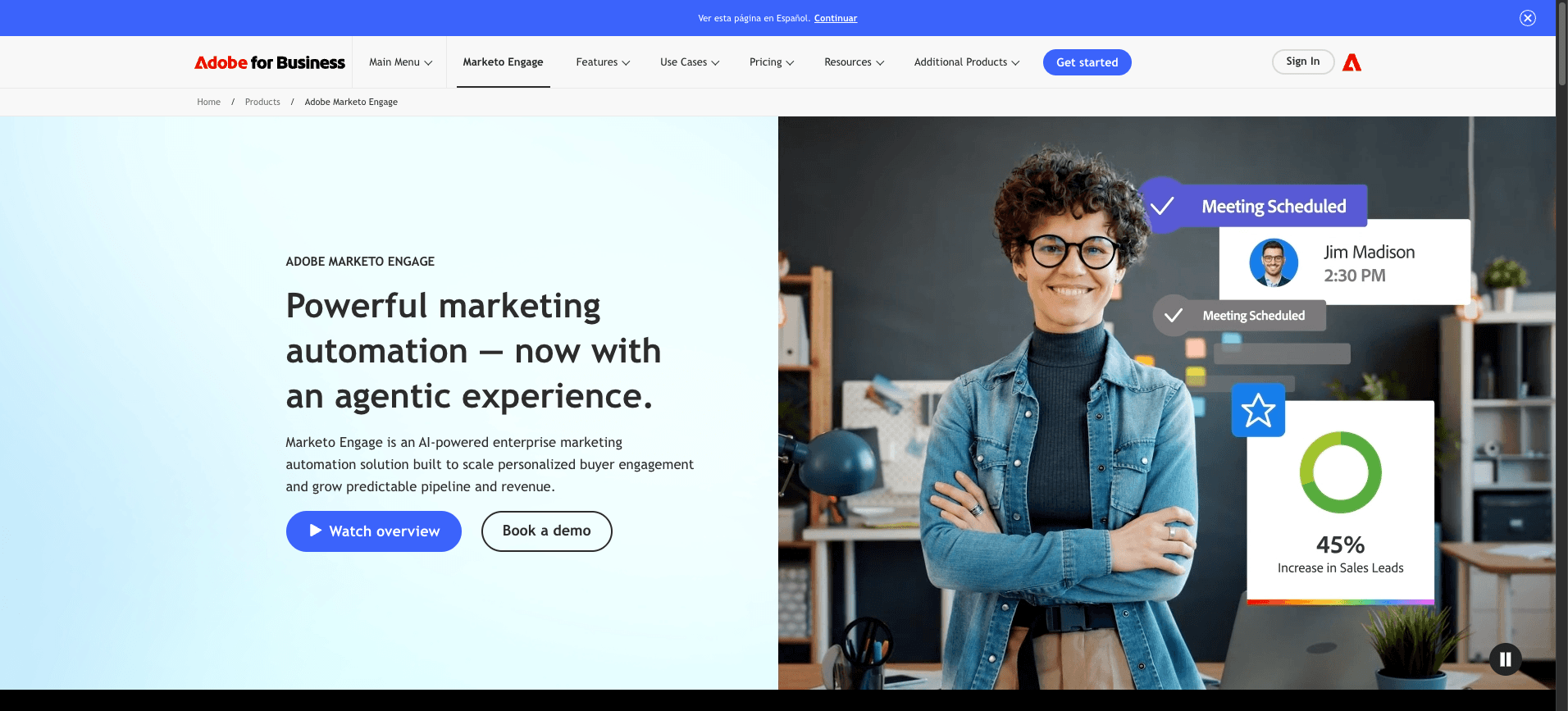
Marketo Engage is Adobe's enterprise marketing automation platform built for B2B demand generation, account-based marketing, and complex multi-touch nurture programs.
It suits mid-market and enterprise teams that need granular segmentation, deep CRM alignment, and tight integration with the broader Adobe Experience Cloud.
Key features
- Account-based marketing with target account lists, scoring, and engagement analytics across buying committees.
- Smart Lists and Smart Campaigns for behavioral segmentation, lead scoring, and triggered nurture flows.
- Native integration with Adobe Experience Cloud, Salesforce, and Microsoft Dynamics for revenue attribution.
- Marketo Engage can be paired with Make for cross-stack sales automation using the Webhooks module and HTTP - Make a Request module to push enriched leads into the CRM.
- AI-assisted predictive content, audience targeting, and send-time optimization through Adobe Sensei.
Pros and cons
Pricing
Marketo Engage uses quote-based pricing tiers: Growth, Select, Prime, and Ultimate.
Costs scale with database size, user seats, and module access (ABM, Advanced Journey Analytics, Dynamic Chat).
Adobe does not publish public rates; expect mid-five-figure to six-figure annual contracts depending on contact volume.
4. ActiveCampaign
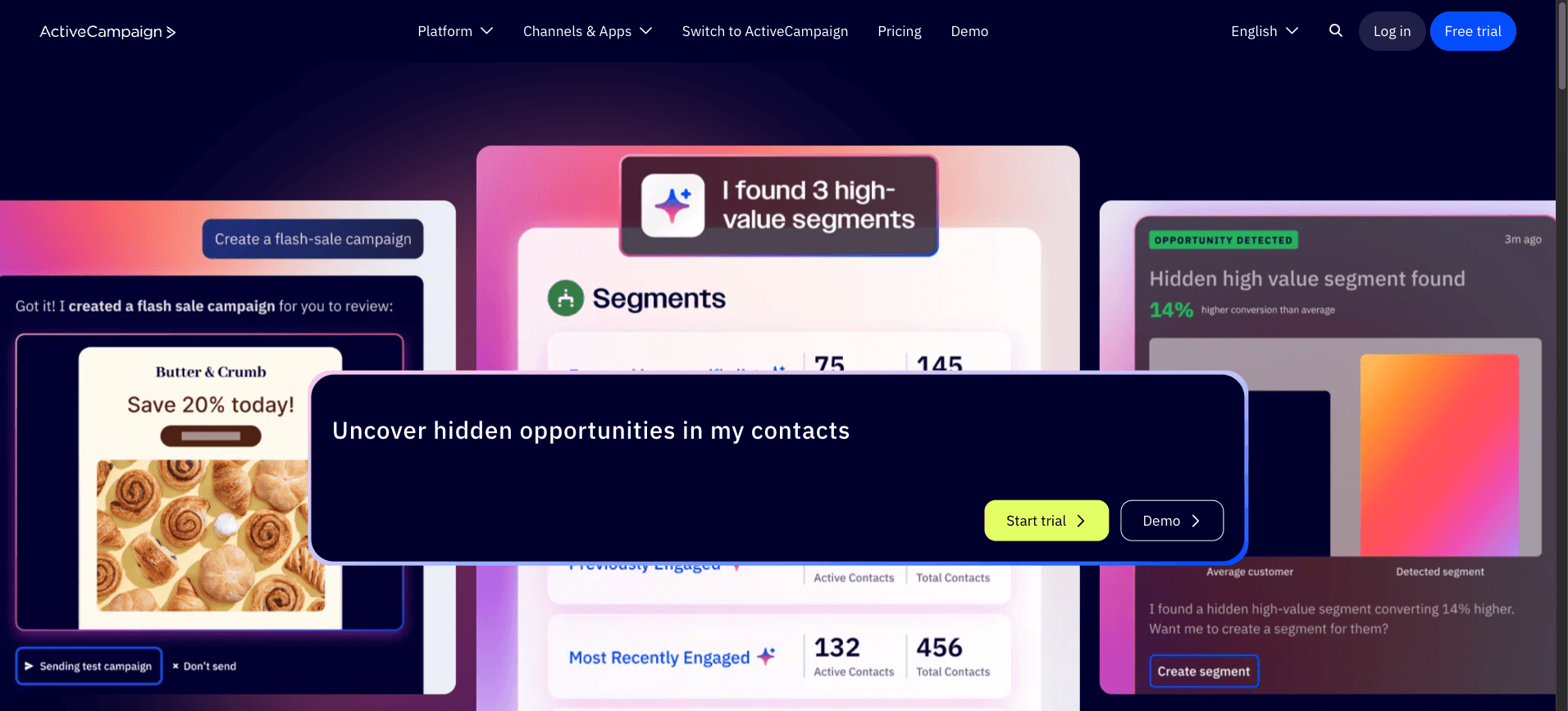
ActiveCampaign is a customer experience automation platform that combines email marketing, a built-in CRM, and visual automation builders for mid-market teams running multichannel nurture programs.
It suits revenue and lifecycle marketers who need tight alignment between sales pipeline activity and segmented email, SMS, and on-site messaging.
Key features
- Visual automation builder with conditional branching, goal tracking, and split testing across journeys.
- Native sales CRM with deal stages, lead scoring, and automated task assignment for account managers.
- Multi-channel sends covering email, SMS, site messages, and transactional notifications from one contact record.
- Predictive sending and predictive content using machine learning to time delivery and tailor copy per recipient.
- Open API and a Make connector, so a scenario can sync ActiveCampaign contacts with external systems through pre-built ActiveCampaign - Watch Contacts and ActiveCampaign - Update a Contact modules, useful for lead data automation across enrichment sources.
Pros and cons
Pricing
ActiveCampaign offers four marketing tiers priced by contact volume: Starter (from $15/month for 1,000 contacts), Plus (from $49/month), Pro (from $79/month), and Enterprise (from $145/month).
Sales CRM features sit on a separate add-on, and bundles for marketing plus sales are listed for teams wanting both.
A 14-day trial is available without a credit card.
5. Klaviyo
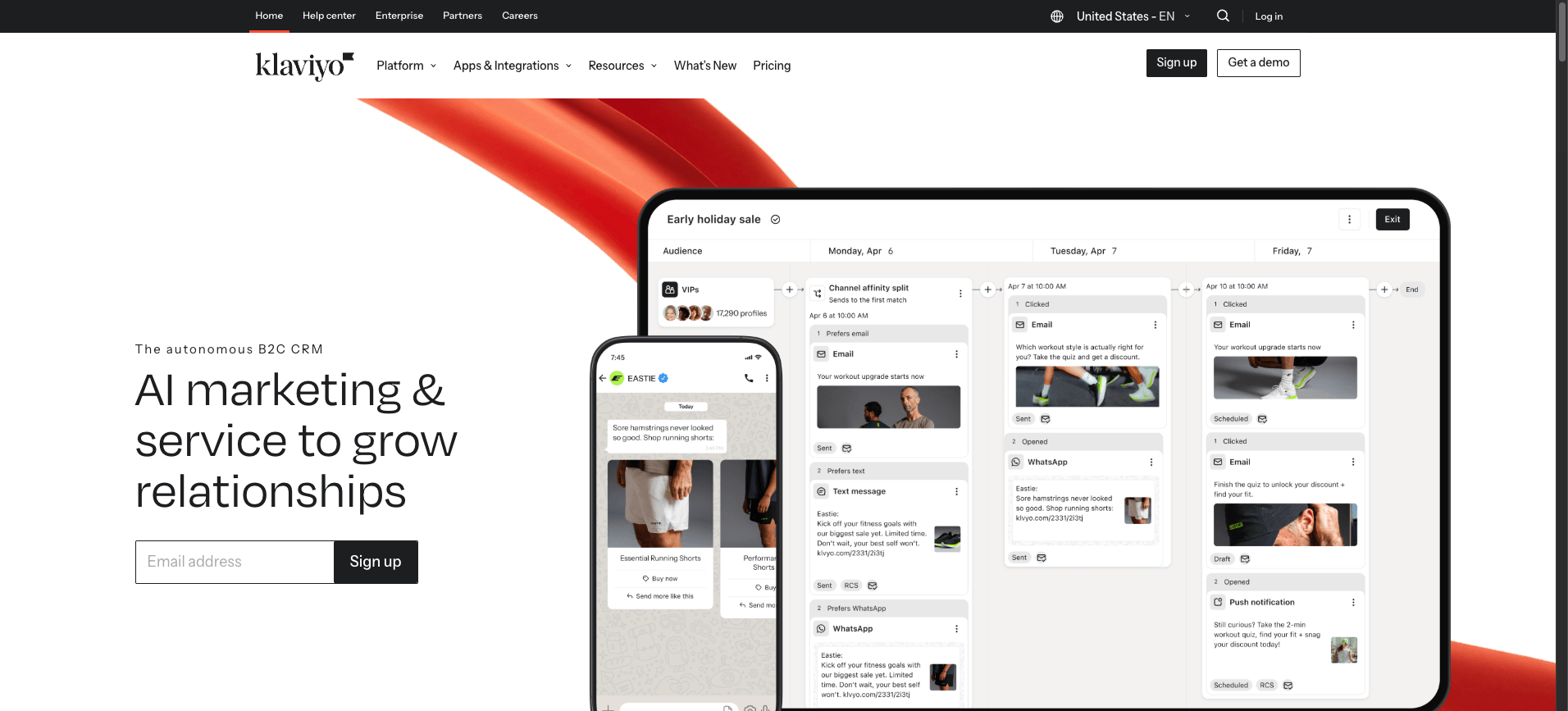
Klaviyo is an ecommerce-focused marketing automation platform built around email and SMS, with deep customer segmentation tied to store data.
It fits direct-to-consumer brands on Shopify, BigCommerce, or Magento that want behavioral messaging driven by purchase history, browsing signals, and predictive analytics.
Mid-market teams pair Klaviyo with Make to extend its reach into helpdesk, loyalty, and subscription tools as part of a personalized AI strategy.
Key features
- Email and SMS sending from one profile, with shared consent and suppression management across both channels.
- Segmentation depth using real-time store events: products viewed, average order value, predicted next purchase date, churn risk, and lifetime value.
- Prebuilt ecommerce flows for welcome, abandoned cart, browse abandonment, post-purchase, win-back, replenishment.
- Benchmarks and AI features including subject line generation, send-time optimization, and predictive analytics on customer behavior.
- Native integrations with Shopify, WooCommerce, reviews tools, and loyalty apps, plus a Make connector for custom scenario work.
Pros and cons
Pricing
Klaviyo offers a free plan for up to 250 profiles with 500 email sends per month ($0).
Paid plans scale by active profile count: 500 profiles costs $30/month, 1,000 profiles costs $45/month, and prices increase with list size.
Each paid tier includes 10x the profile count in monthly email sends, with SMS credits available as an add-on.
6. Brevo
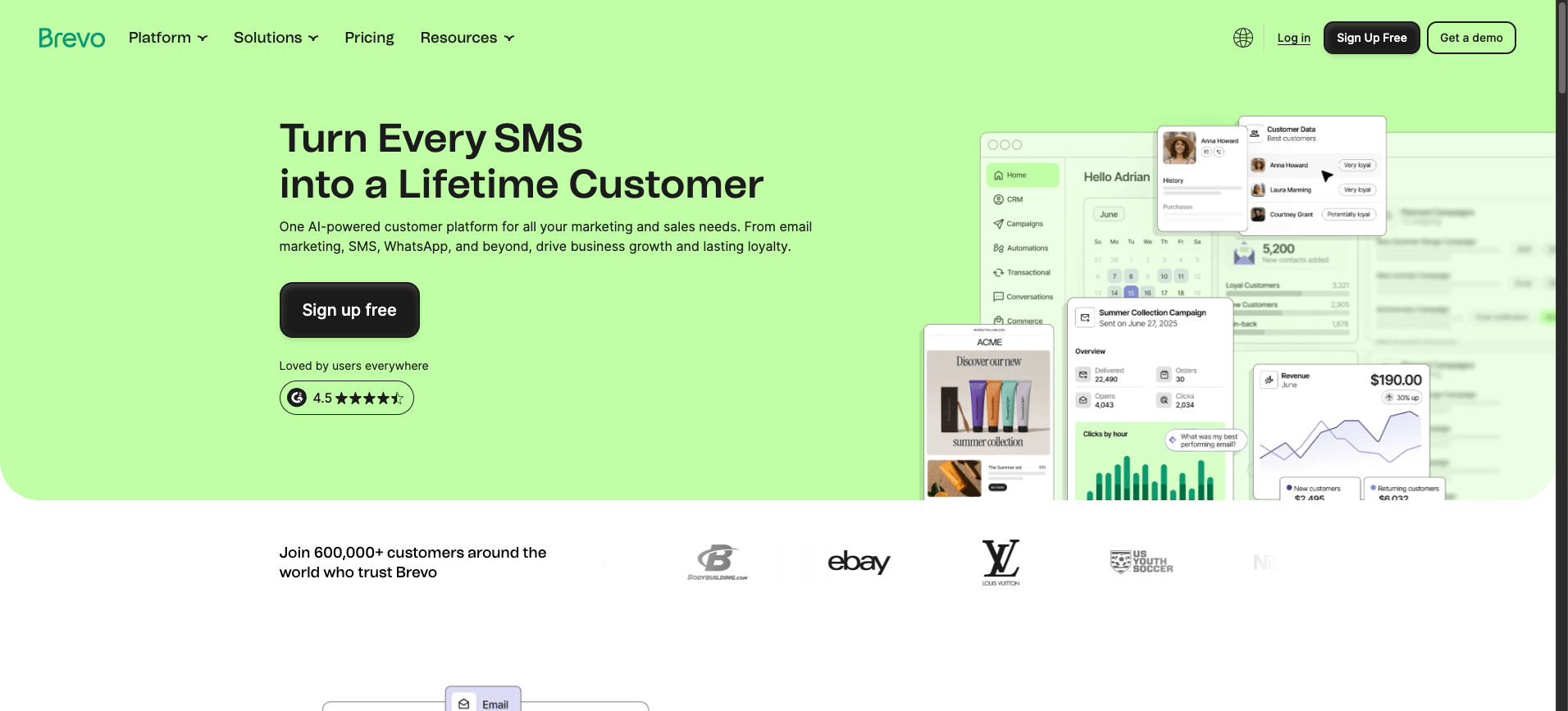
Brevo (formerly Sendinblue) is an all-in-one marketing platform that combines email, SMS, WhatsApp, and CRM features in a single workspace.
It suits small and mid-market teams that want transactional and promotional messaging under one roof without paying enterprise prices.
Key features
- Unified email and SMS campaign builder with shared contact lists, segmentation, and send-time optimization across both channels.
- Transactional email API and SMTP relay for receipts, password resets, and order confirmations alongside marketing sends.
- Built-in CRM, landing pages, signup forms, and a shared inbox for sales and support handoffs.
- Automation workflows with branching logic, lead scoring, and behavioral triggers based on site activity or email engagement.
- Native Make integration for syncing contacts, triggering sends, and routing replies into helpdesks, useful when paired with AI email sorting patterns.
Pros and cons
Pricing
Free plan includes 300 emails per day and unlimited contacts ($0).
Starter begins at $9/month for 5,000 emails with no daily send cap.
Standard starts at $18/month and adds A/B testing, predictive sending, and multi-user access.
Enterprise pricing is custom. SMS and WhatsApp credits are billed separately based on destination country.
7. Mailchimp
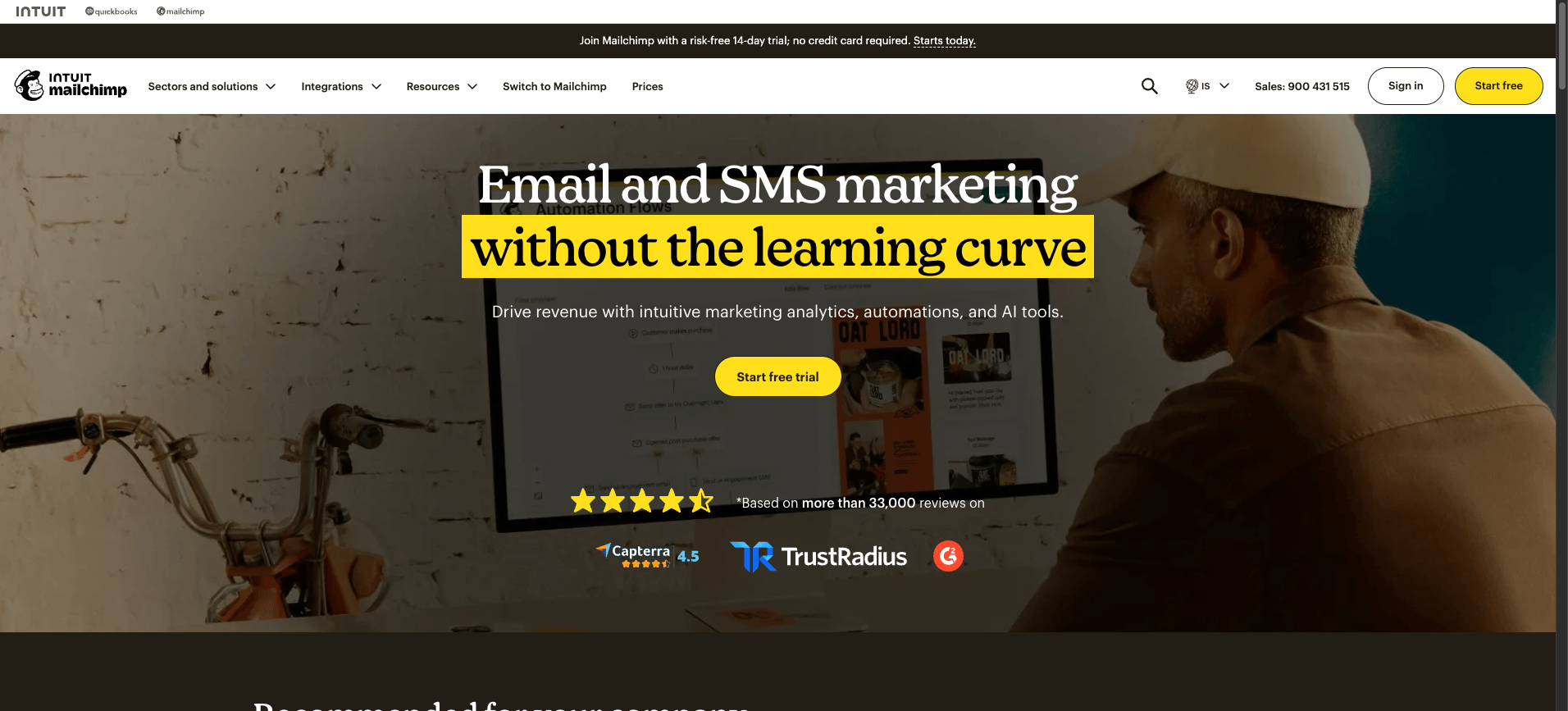
Mailchimp is an email marketing and audience segments platform built for small businesses, ecommerce sellers, and content creators who need approachable email automation without a steep learning curve.
Owned by Intuit, it pairs a generous free tier with drag-and-drop builders, basic CRM features, and AI-assisted content generation.
Key features
- Customer journey builder for branching email automation across signups, purchases, and re-engagement triggers
- Predictive audience segments using purchase likelihood, demographics, and engagement scoring
- Content optimizer and subject line helper powered by built-in AI assistants
- Native integrations with Shopify, WooCommerce, Square, and a Make connector for deeper workflow extension
- Landing pages, signup forms, and basic transactional email through Mandrill add-on
Pros and cons
Pricing
Mailchimp offers a free tier for up to 250 contacts and 500 monthly sends ($0).
Paid plans are billed by contact volume: Essentials from $13/month, Standard from $20/month, and Premium from $350/month.
Premium unlocks advanced segmentation, multivariate testing, and priority support.
8. Salesforce Marketing Cloud Account Engagement
Salesforce Marketing Cloud Account Engagement, formerly Pardot, is a B2B marketing automation platform built for sales and marketing alignment inside the Salesforce ecosystem.
It targets mid-market and enterprise B2B teams that already run Salesforce CRM and need lead nurturing, scoring, and account-based marketing tied directly to opportunity records.
Key features
- Native Salesforce CRM sync with bidirectional lead, contact, and opportunity updates
- B2B lead scoring and grading combining behavioral signals with firmographic fit
- Engagement Studio for visual, multi-branch nurture programs across email and forms
- Account-based marketing dashboards aligned to Salesforce campaigns and pipeline
- Einstein AI features for behavior scoring, send-time optimization, and attribution
Pros and cons
Teams extending Account Engagement into other systems often build a scenario in the Scenario Builder; our Salesforce to Outlook integration guide walks through patterns that apply here.
Pricing
Account Engagement is sold in four tiers billed annually per org: Growth ($1,250/month, 10,000 contacts), Plus ($2,500/month), Advanced ($4,000/month, adds Einstein AI and B2B Analytics), and Premium ($15,000/month, adds custom user roles and dedicated support).
All plans require an existing Salesforce CRM license.
9. Customer.io
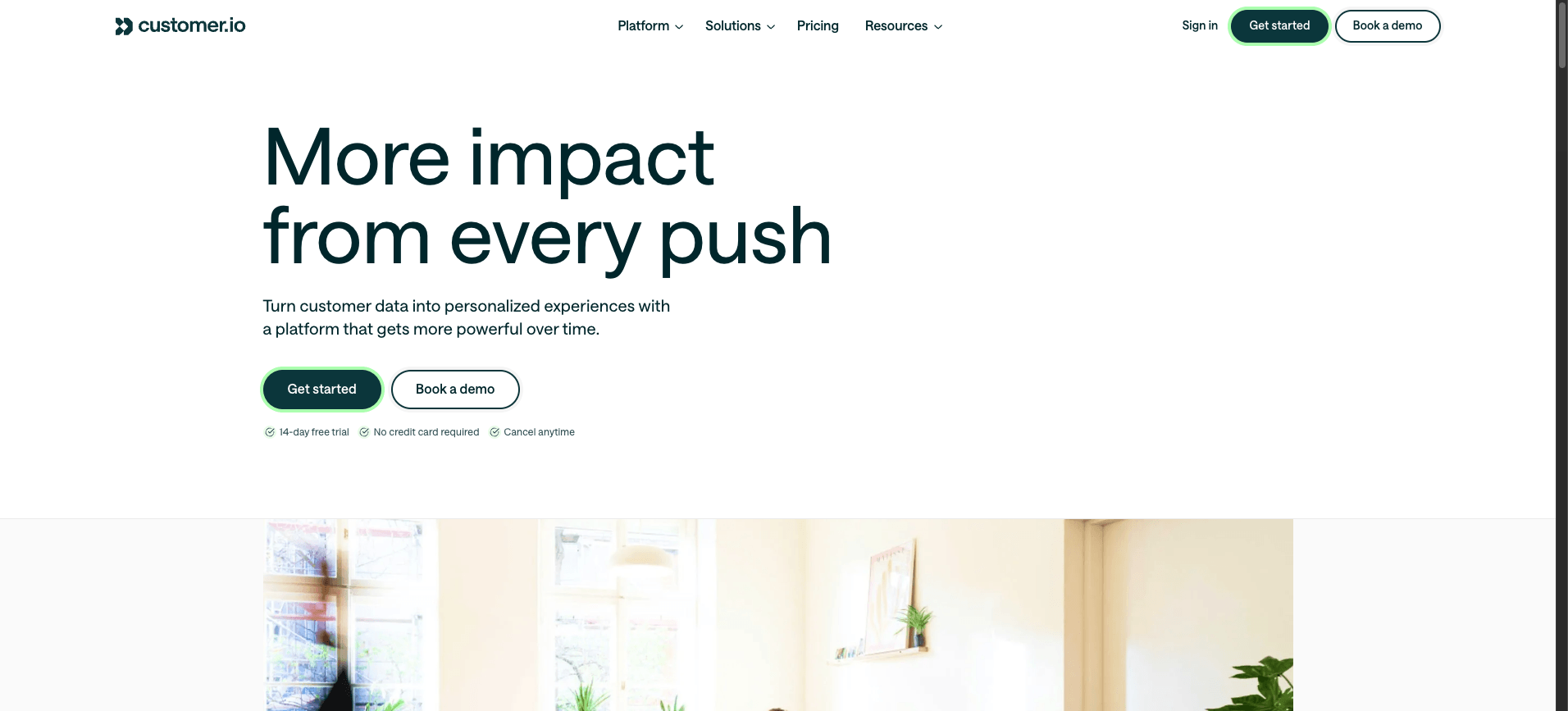
Customer.io is a behavior-based messaging platform built for product-led teams that want event-driven email, SMS, and push campaigns tied to real user actions.
It suits mid-market SaaS and subscription businesses with engineering capacity to pipe in clean event data and orchestrate lifecycle journeys at scale.
Key features
- Visual workflow builder with branching logic, delays, and exit conditions driven by live event streams.
- Cross-channel sends across email, SMS, push, in-app, and webhooks for transactional and marketing messages.
- Liquid templating and computed attributes for granular personalization beyond static merge tags.
- Data Pipelines (CDP) for collecting, transforming, and forwarding events to downstream tools.
- A/B testing, holdout groups, and journey analytics to measure incremental lift.
Pros and cons
Pricing
Customer.io offers Essentials (from $100/month), Premium (from $1,000/month billed annually), and Enterprise (custom), all priced by profile count and message volume.
Data Pipelines and AI features are available as separate add-ons.
Enterprise includes dedicated IPs, SSO, and audit logs.
Pair Customer.io with Make to orchestrate cross-system scenarios, including handoffs to customer support agents when journeys trigger service tickets.
10. Omnisend
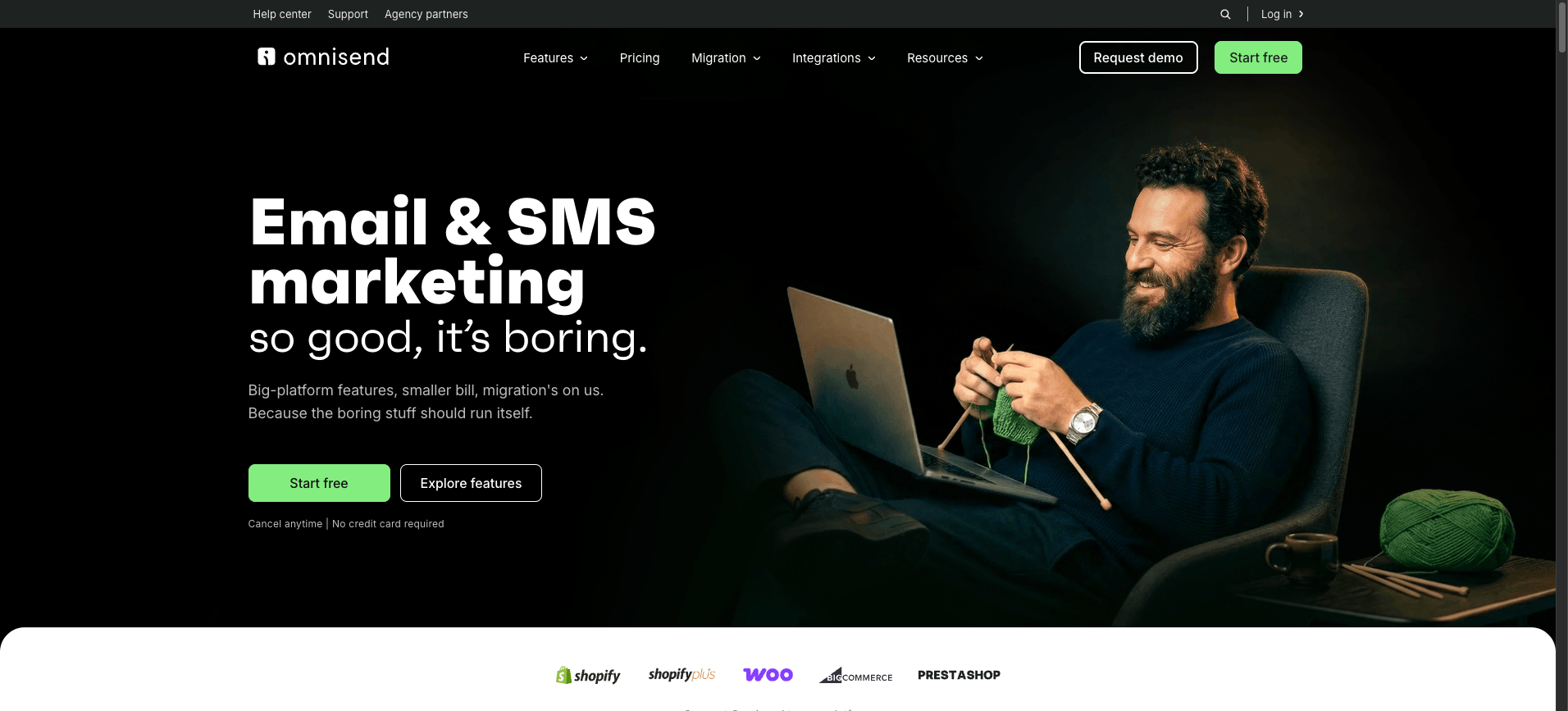
Omnisend is an ecommerce-focused marketing automation platform that unifies email, SMS, and push notifications for online retailers.
It targets Shopify, BigCommerce, and WooCommerce merchants who want pre-built ecommerce workflows without configuring a general-purpose suite.
The free tier makes it accessible for small stores testing automated abandoned cart and welcome flows.
Key features
- Pre-built ecommerce automations for abandoned cart, browse abandonment, order confirmation, and post-purchase follow-up across email and SMS channels.
- Unified customer profiles combining purchase history, on-site behavior, and channel engagement to drive segmentation.
- Product recommendation blocks, dynamic discount codes, and gift box elements native to the email editor.
- Native integrations with Shopify, BigCommerce, WooCommerce, and Wix, plus connection to Make through a dedicated app for orchestrating cross-tool flows that repurpose video content into product campaigns.
- A/B testing on subject lines, content, and send times with revenue attribution by campaign and automation.
Pros and cons
Pricing
Omnisend offers a free tier covering 250 contacts and 500 emails per month ($0, full automation features included).
Standard starts at $16/month, scaling with contact count.
Pro starts at $59/month for 2,500 contacts and includes unlimited email sends plus SMS credits equal to the monthly plan value.
High-volume senders get custom pricing.
11. Iterable
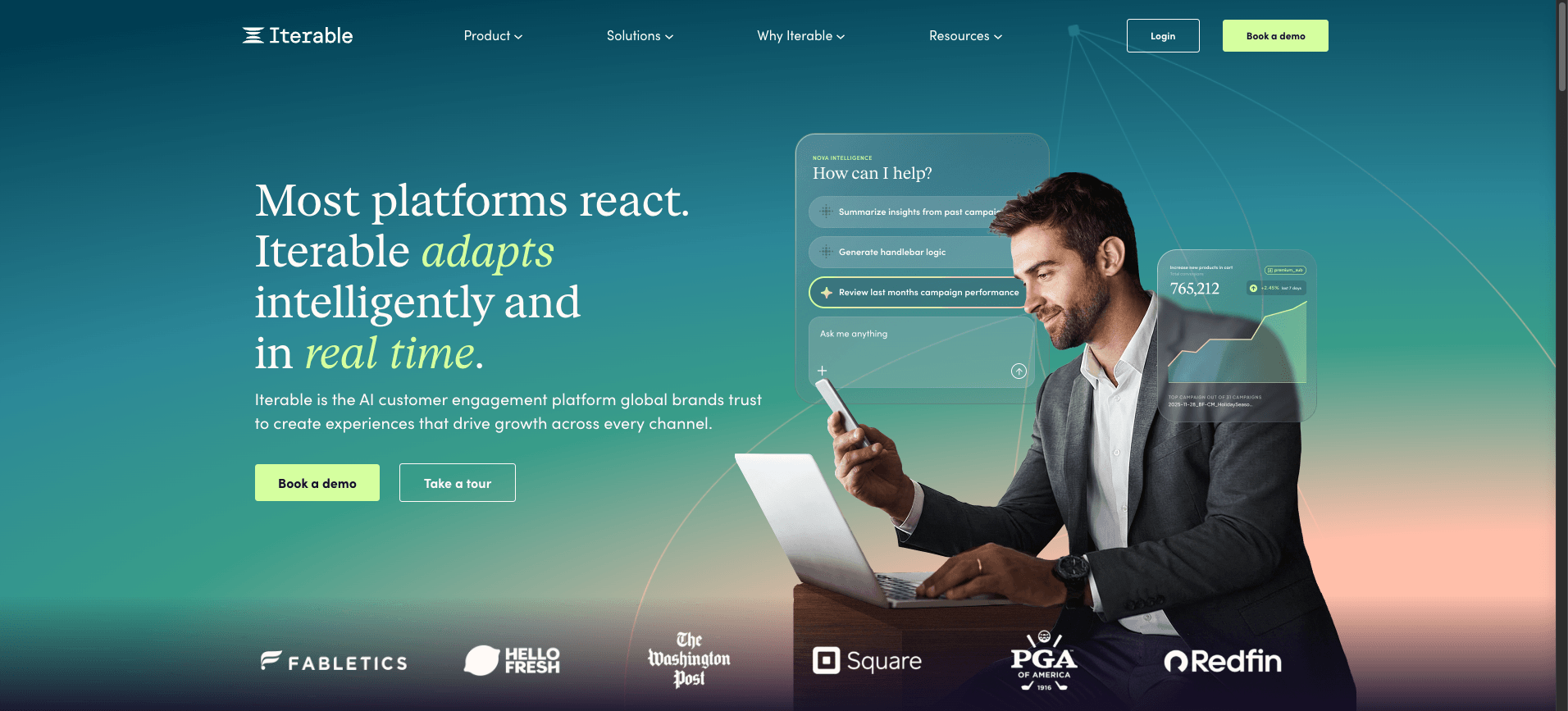
Iterable is a cross-channel messaging platform built for lifecycle marketing teams orchestrating email, SMS, push, in-app, and embedded experiences from a single customer data foundation.
It suits mid-market and enterprise brands that need AI personalization at scale across complex audience segments and behavioral triggers.
Key features
- Cross-channel messaging across email, SMS, push, in-app, and web with unified journey orchestration in Studio workflows.
- AI personalization through Iterable AI, including send-time optimization, predictive goals, brand affinity, and channel preference modeling.
- Real-time event ingestion and dynamic segmentation that updates audiences as customer behavior changes.
- Catalog-driven content blocks for product recommendations, loyalty data, and inventory-aware messaging.
- Make integration via webhooks and API, letting teams connect Iterable to a broader agentic loop using HTTP - Make a Request and Webhooks - Custom Webhook modules inside a Make scenario.
Pros and cons
Pricing
Iterable uses custom enterprise pricing based on contacts, message volume, and channel mix.
Plans include Growth, Pro, and Enterprise tiers, with quotes provided after a sales conversation.
No public free tier exists; trial access is granted through guided demos.
How they compare
This comparison summarizes the eleven marketing automation tools across primary use case, standout strength, and pricing model, so mid-market teams can shortlist quickly.
Make leads because its visual Scenario Builder orchestrates AI agents and 3,000+ apps, a breadth catalogued in the Make Grid.
Side-by-side comparison grid of eleven leading marketing automation platforms across best for, strength, pricing
How to choose the best marketing automation tools for your needs
Choose a marketing automation tool by matching its depth to your team's operational maturity, not its brand recognition.
Start by mapping the workflows you actually run today: lifecycle emails, lead scoring, multichannel campaigns, attribution reporting, and any AI-assisted content or routing.
Score each vendor against those workflows before pricing enters the conversation.
Use these decision criteria in order:
- Workflow fit: can it model your real customer journeys without custom code, and does it expose triggers your stack already emits?
- Data architecture: native CDP, warehouse sync, or flat lists; this dictates segmentation ceiling.
- Budget vs scale fit: per-contact pricing rewards small lists; per-seat or platform pricing rewards large ones. Model 18-month costs, not month one.
- Extensibility: how cleanly it plugs into orchestration layers like Make scenarios using HTTP - Make a Request or native modules.
- Governance: audit logs, role permissions, sandbox environments.
Pressure test finalists with a paid pilot on one revenue-critical journey.
The Finn success story shows how a focused pilot scales into operational use across teams.
PRO TIP: Match tool depth to team size: pick raw power over polished UI when scaling, then wire Webhooks - Custom Webhook into a Make scenario to extend whichever platform you choose.
Where to next?
The best marketing automation platform is the one that fits your team's data, channels, and operational maturity in 2026.
HubSpot suits all-in-one CRM teams, Klaviyo wins for ecommerce, Marketo and Salesforce Account Engagement serve enterprise demand generation, and ActiveCampaign, Brevo, Mailchimp, Customer.io, Omnisend, and Iterable each cover specific channel and budget profiles.
Make sits at the connective layer, orchestrating these tools with 3,000+ apps through visual scenario design, AI modules, and reusable connections.
Mid-market teams scaling beyond pilots use Make to wire campaigns, enrichment, and agentic workflows across the stack.
Pick the platform that matches your operational reality, then orchestrate everything with Make. Get started for free.
Frequently asked questions
Q1: What is a marketing automation tool?
A marketing automation tool is software that runs repeatable marketing tasks like email sends, lead scoring, segmentation, and multichannel campaigns. It connects customer data to triggers and actions, so teams can deliver timely, personalized messages without manual work for every contact.
Q2: How much do marketing automation tools cost?
Pricing varies widely. Entry tiers often start free or under $50 monthly for small lists, while mid-market platforms scale by contacts, sends, or seats into hundreds or thousands monthly. Enterprise suites like Marketo or Salesforce typically require annual contracts with custom quote
Q3: Can marketing automation tools work with AI agents?
Yes. Platforms like Make let you wire AI agents into a scenario using OpenAI - Create a Chat Completion or Anthropic Claude - Send a Message alongside CRM and email modules. Agents can draft copy, qualify leads, route replies, and update records inside the same workflow.
Q4: Do small teams need marketing automation software?
Small teams benefit when manual work blocks growth. If you run regular email campaigns, nurture sequences, or cross-channel follow-ups, automation pays back quickly. Tools like Brevo, Mailchimp, or Make fit lean budgets, while heavier suites suit teams with dedicated operations resources.
Related blogs
Tool and strategies modern teams need to help their companies grow.

AI
Best AI agent platforms of 2026: ranked & reviewed
The best AI agent platforms ranked by production-grade criteria so mid-market teams can move from comparison to deployment this week.

Raife Dowley
June 17, 2026

AI
What is AI automation? A complete guide for 2026
Most teams use AI but stay stuck in pilots. Here's how AI automation turns those pilots into production systems.
Raife Dowley
May 21, 2026
AI
What Is an Agentic Operating System? 2026 Guide
What an agentic operating system actually is, the six layers it runs on, and where it beats traditional automation platforms.
Raife Dowley
May 22, 2026